
Examples
The following real-world examples demonstrate how to use Validin data to pivot from a single indicator to a wider threat campaign using Synapse.
Example 1: Pivot via HTTP body hash (LaundryBear)
In this workflow, we'll discover related infrastructure by identifying servers that host identical content (HTTP body hashes).
1. Enrich the seed domain
Use the unified enrichment command to pull DNS, HTTP, and certificate data for your starting indicator:
// Tag the seed domain
[inet:fqdn=malicious-seed.com +#research.laundrybear.seed]

// Enrich the domain (including subdomains)
inet:fqdn#research.laundrybear.seed | s1.validin.enrich --wildcard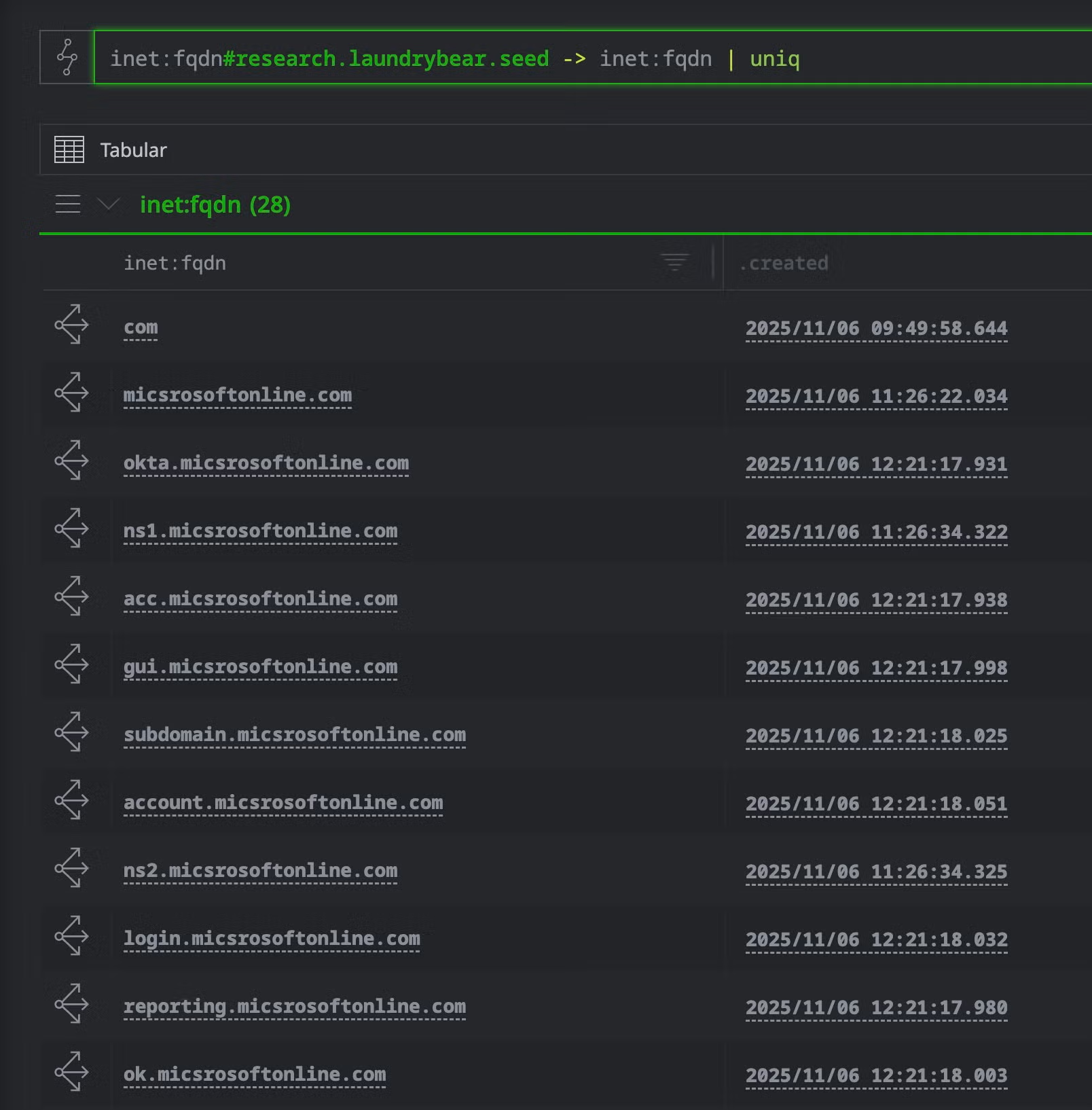
Inet:fqdn nodes in Optic (Synapse UI)
2. Identify pivot points (HTTP Requests)
The enrichment process creates inet:http:request nodes containing fingerprints such as hash:sha1 (body) and hash:md5 (favicon).
// List HTTP requests associated with the seed
inet:fqdn#research.laundrybear.seed -> inet:fqdn -> inet:url -> inet:http:request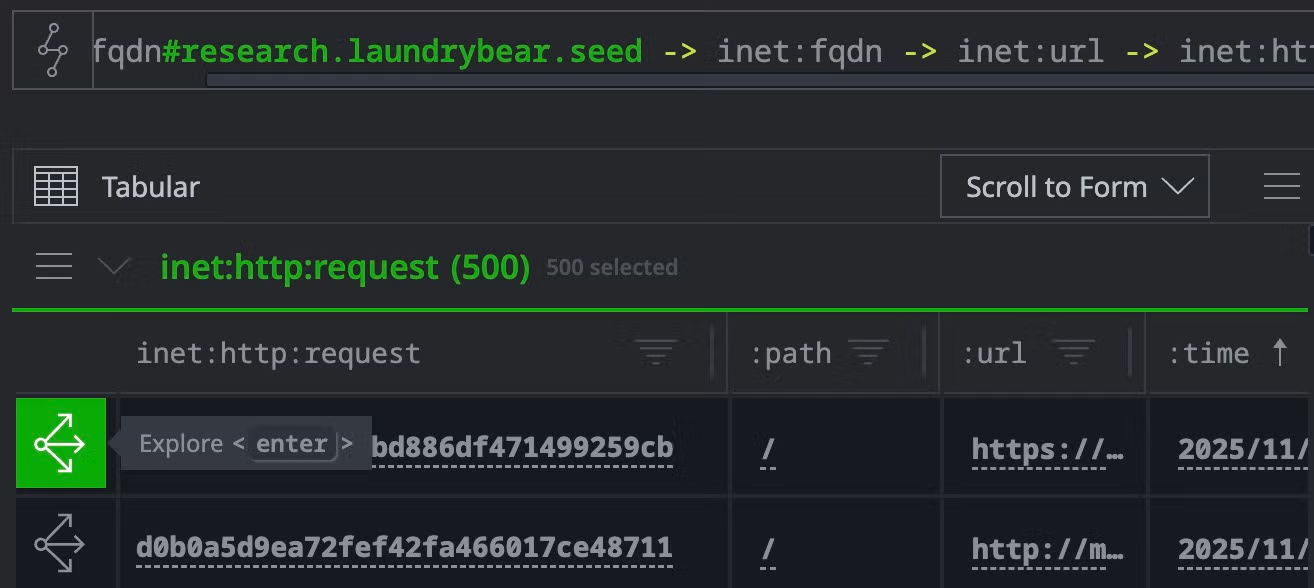
Pivot in Optic to summarize hashes across inet:http:request nodes
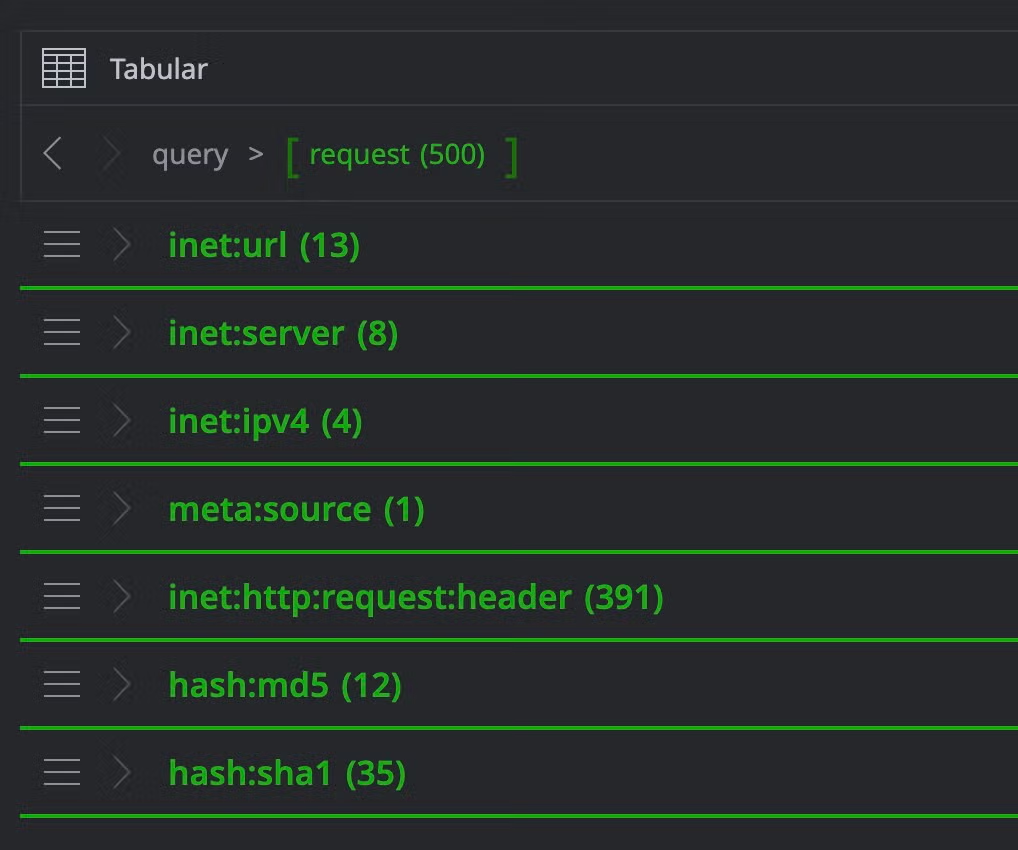
Collapsed list of nodes yielded from pivot
3. Statistical analysis (Dry Run)
Check how common the body hash is before pivoting. A count of 5-50 suggests a specific threat cluster:
// Check counts for the body hash
inet:fqdn#research.laundrybear.seed -> inet:fqdn -> inet:url -> inet:http:request -> hash:sha1
| uniq | s1.validin.http.pivot --dry-run
4. Materialize the infrastructure
If the count is relevant, remove the --dry-run flag to ingest the connected domains:
// Pivot from the body hash to all apex domains hosting that content
hash:sha1=<HASH_VALUE> | s1.validin.http.pivot --yield
| +inet:fqdn -> inet:fqdn +:iszone=true
| uniq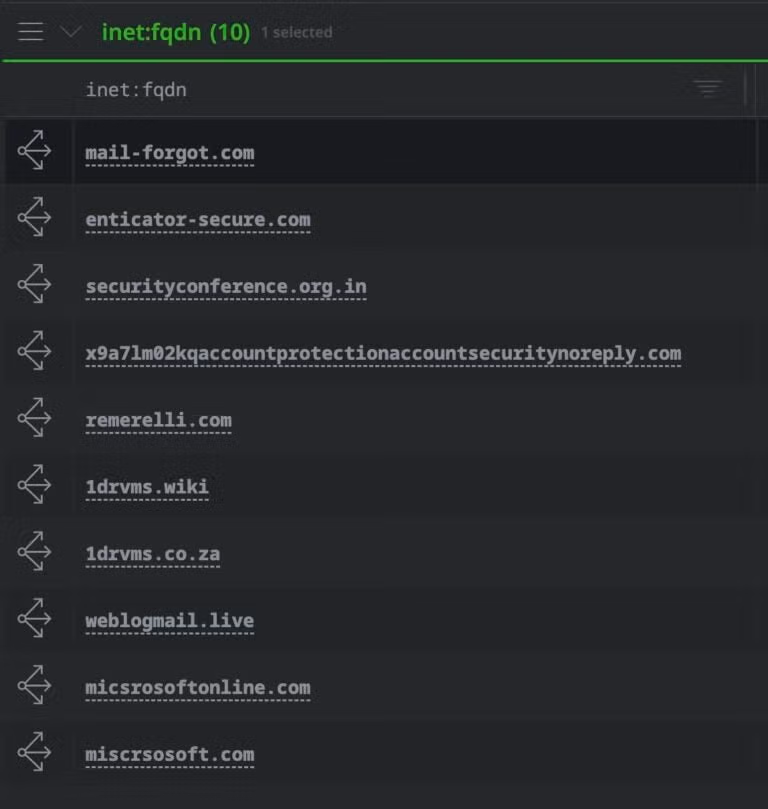
Resulting inet:fqdn nodes from the http pivot
Example 2: Pivot via WHOIS and registrars (FreeDrain)
In this next example, we'll analyze phishing domains to identify bulk registration patterns.
1. Enrich multiple domains
Enrich a set of suspicious domains with historical WHOIS data:
// Enrich all domains tagged as 'href' in the investigation
inet:fqdn#research.freedrain.href | s1.validin.whois
2. Analyze registrar distribution
Check if the domains share a common registrar to find bulk patterns.
inet:fqdn#research.freedrain.href | s1.validin.whois --yield
| :registrar -> * | uniq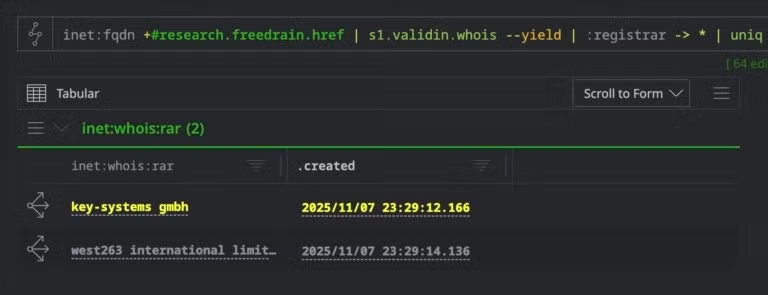
Unique registrars for specified domain pool
3. Filter by registrar
Isolate the domains that use a specific bulk registrar (e.g., "PDR Ltd.") to find the core infrastructure.
inet:fqdn#research.freedrain.href -> inet:whois:rec
| +:registrar="PDR Ltd."
4. Tagging infrastructure
Once the bulk infrastructure is identified, apply a tag to track it in your graph.
// Apply a tag to the identified infrastructure
inet:fqdn#research.freedrain.href -> inet:whois:rec
| +:registrar="PDR Ltd."
| -> inet:fqdn
| [+#research.freedrain.infrastructure]
Updated 11 months ago